Assign & Print New Security Access Card to a User using Verkada.
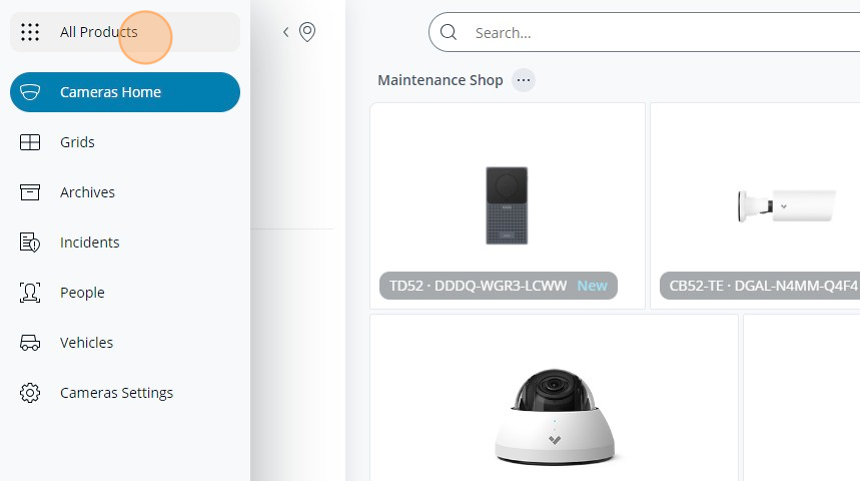
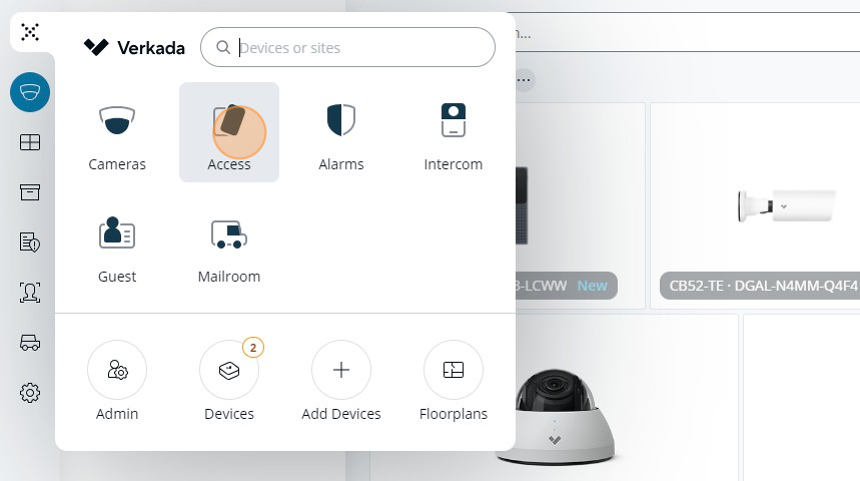
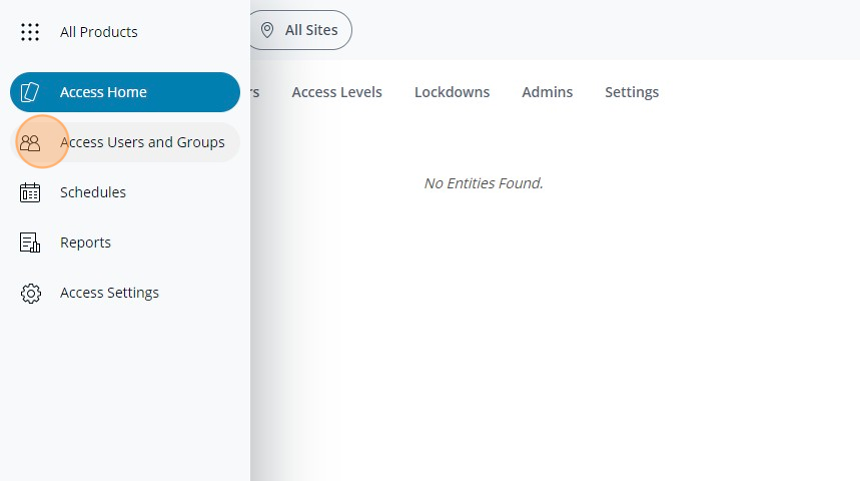
4. Click Access Users & Groups
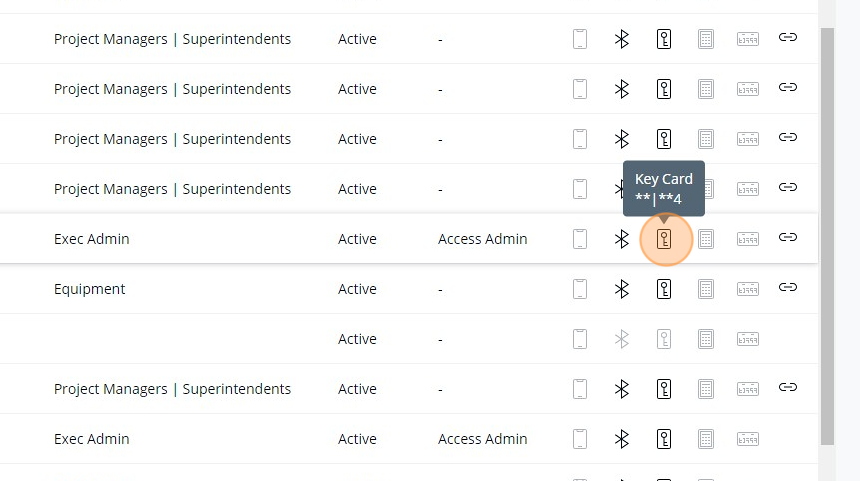
5. Identify the row related to the user/employee and select the Add a keycard option.
6. Enter the 3 digit facility code found on the card.
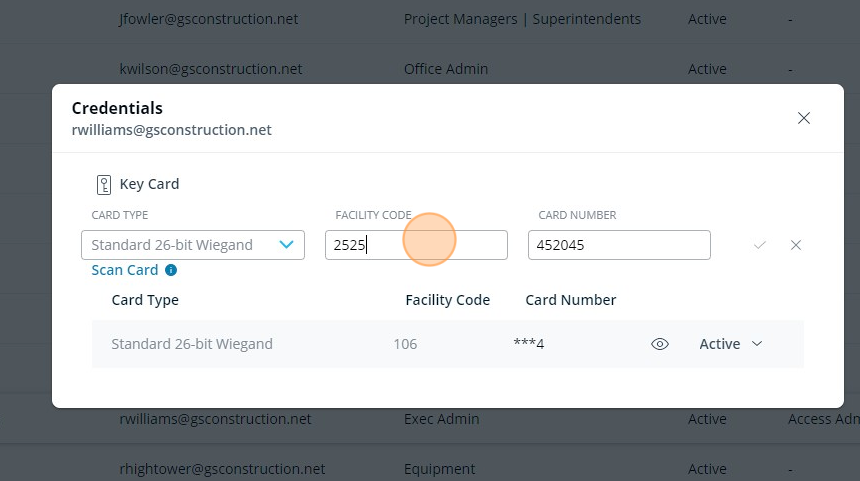
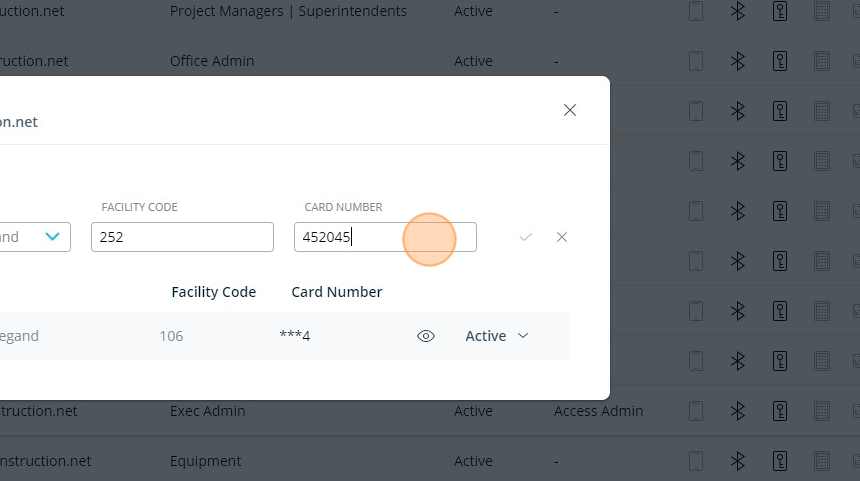
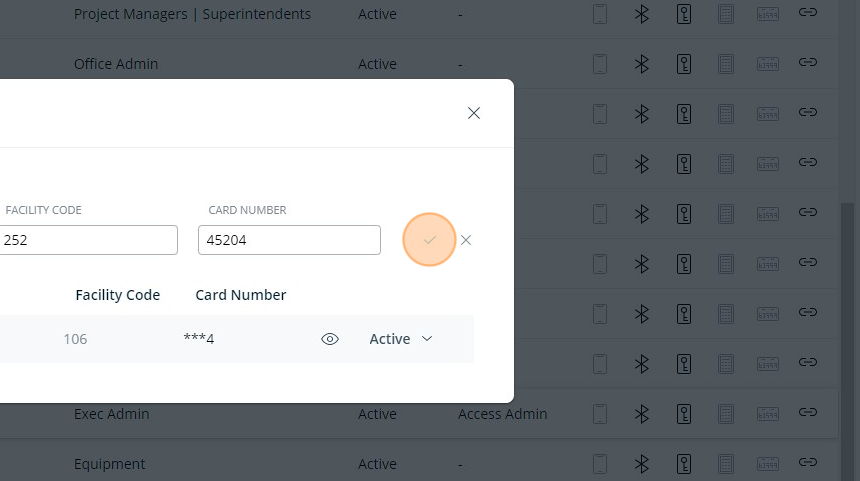
7. Enter the card number following the facility code
Additional documentation for how to print a User access card in Verkada can be found below: